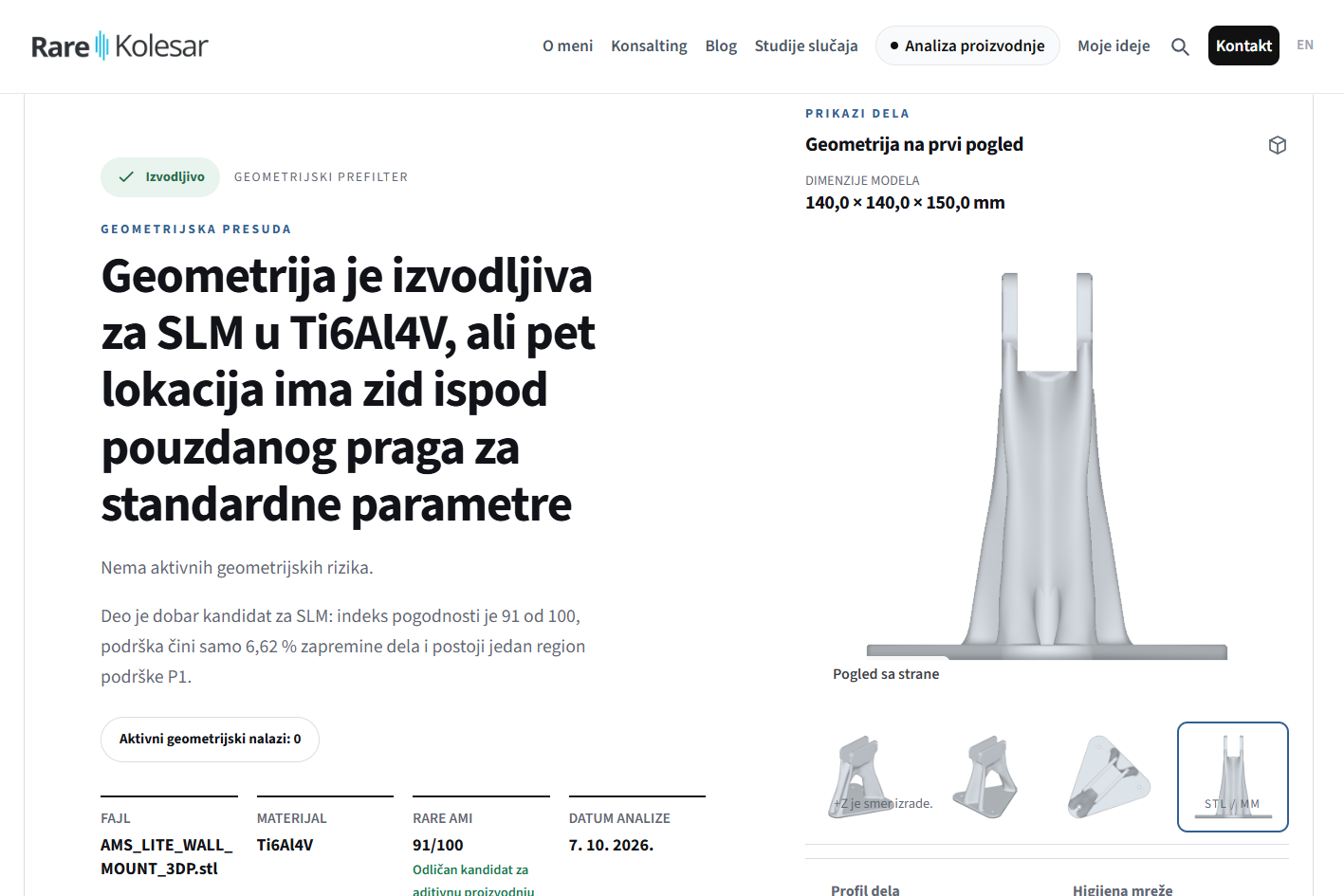
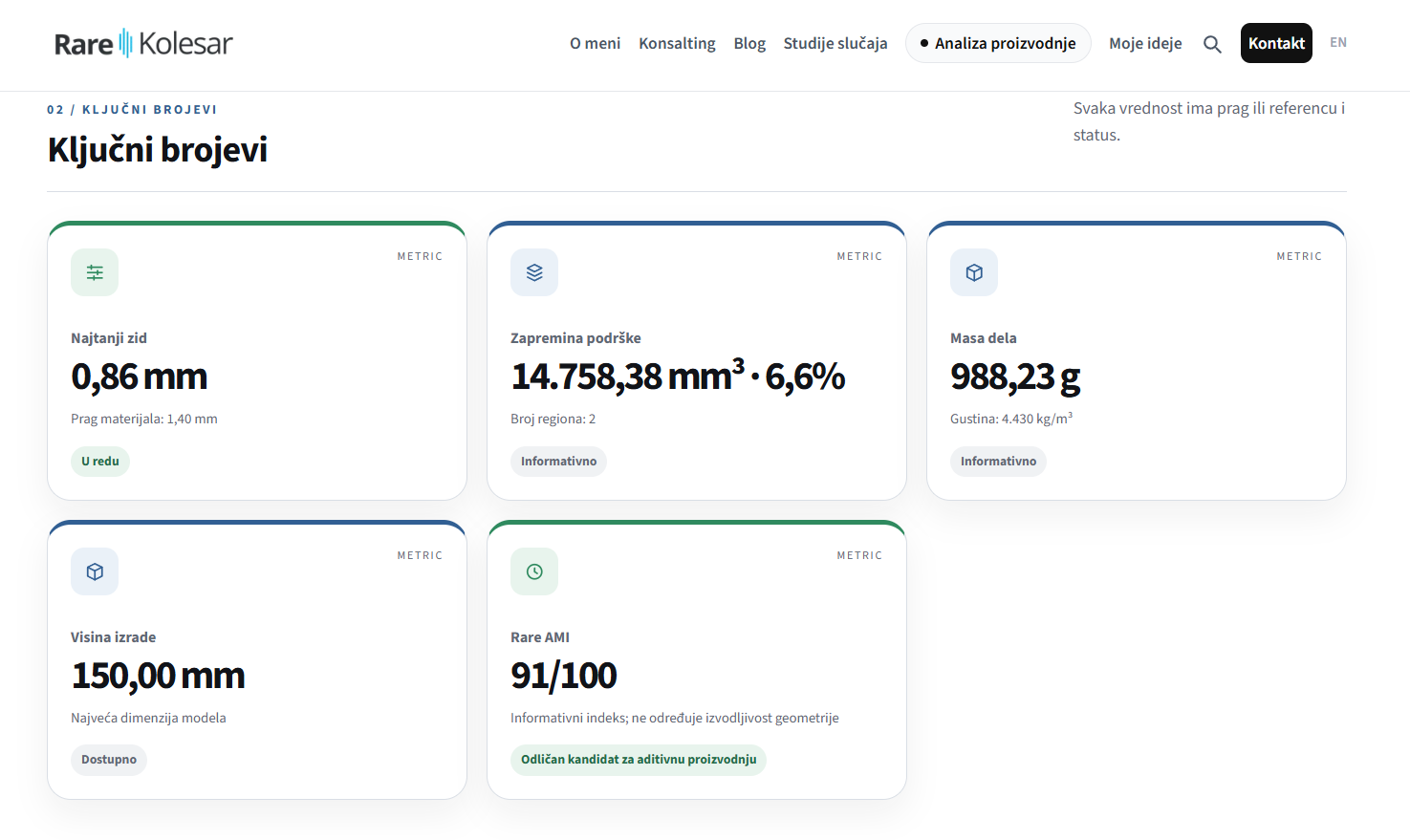
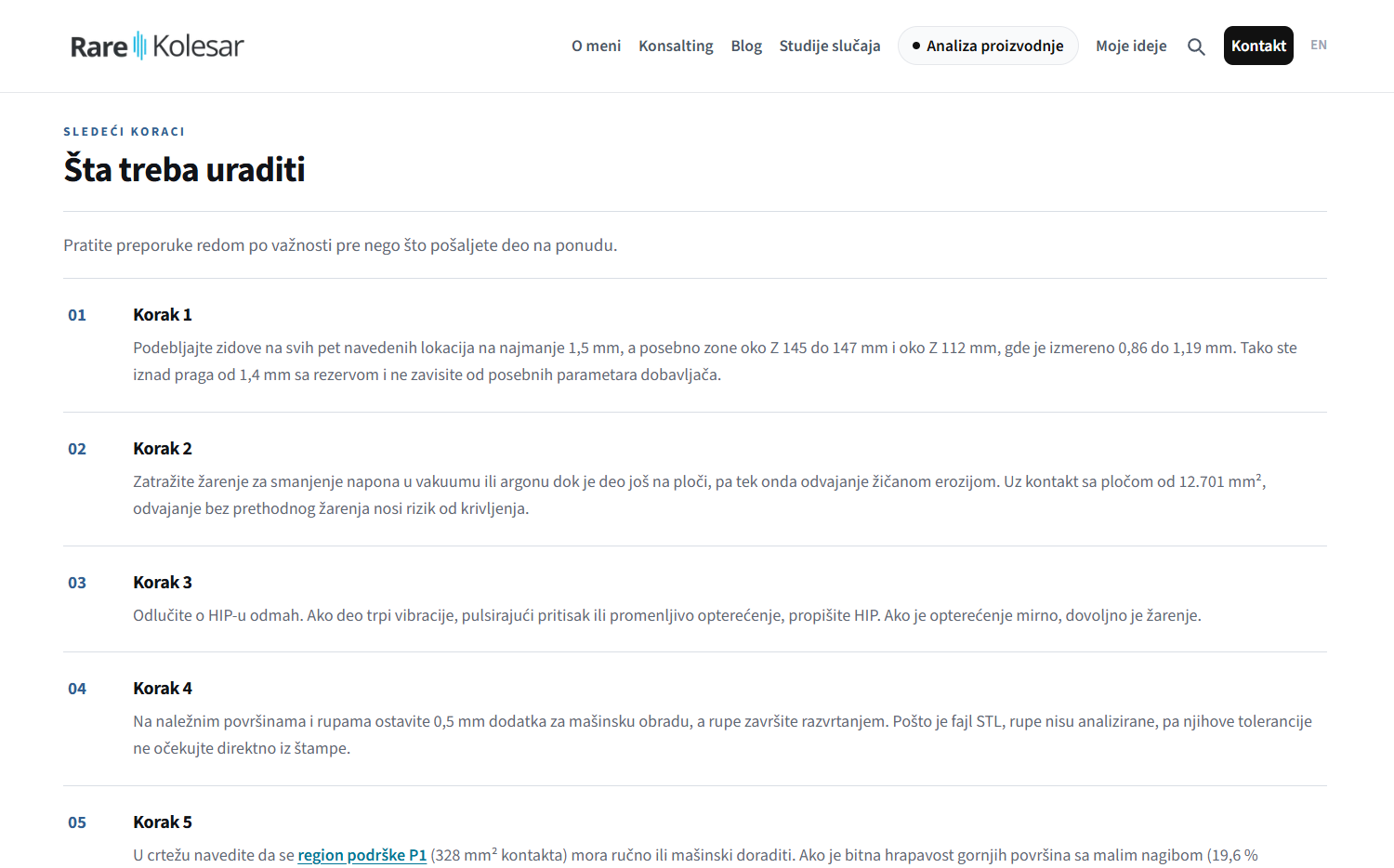
What you get in the report
The report rates the part on three axes:
| Axis | What it shows |
|---|---|
| Geometric feasibility | whether the part can be made at all, based on geometry measurements |
| Suitability for additive manufacturing | whether the part gains anything from 3D printing, with the Rare AMI index from 0 to 100 |
| Material for the intended use | whether the chosen metal fits what the part is used for |
Rare AMI is my index of how suitable a part is for additive manufacturing. A score of 80 or more means an excellent candidate, 60 to 79 good, 40 to 59 conditionally suitable, and below 40 a weak candidate.
The analysis thresholds are adjusted to the chosen material. Angles that need no support are counted conservatively, 45 degrees for most materials and 50 degrees for CuCrZr, as is common in service bureau practice.
18 checks in one report
- 1.Model validity and watertightness
- 2.Triangle mesh cleanliness
- 3.Separate bodies in the same file
- 4.Enclosed cavities
- 5.Part dimensions and orientation
- 6.Orientation from a support point of view, as a recommendation
- 7.Part volume
- 8.Surface to volume ratio
- 9.Wall thickness
- 10.Holes and channels, more detailed for STEP
- 11.Gap between surfaces
- 12.Overhang angles
- 13.First layer
- 14.Top surfaces
- 15.Support volume
- 16.Approximate build time
- 17.Cross section profiles
- 18.Compactness relative to the convex hull
Automatic check and Expert review
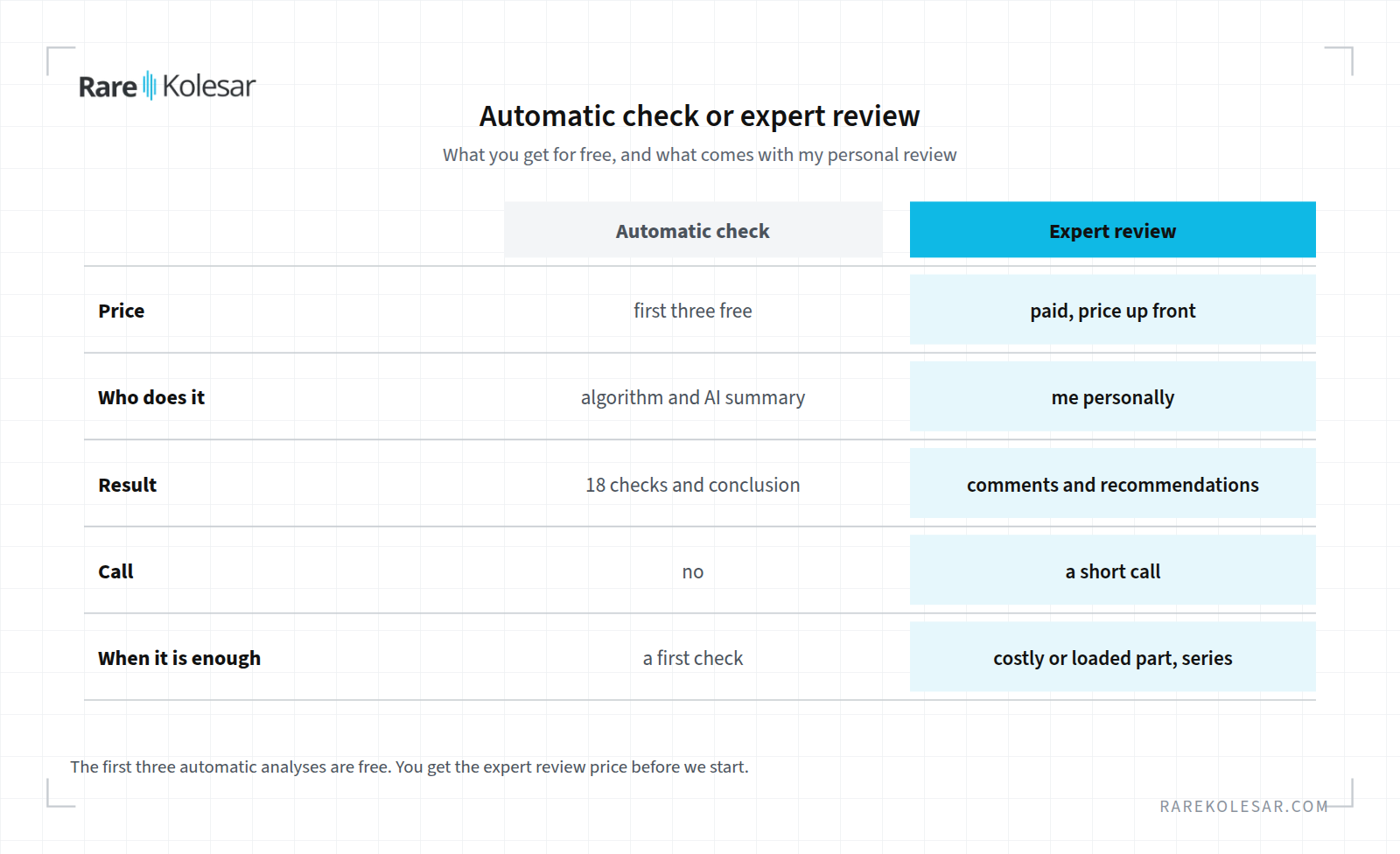
| Automatic check | Expert review | |
|---|---|---|
| Price | first three analyses free | paid, you get the price before I start |
| Who does it | algorithm and AI conclusion | me personally, together with the automatic analysis |
| What you get | 18 checks, a conclusion, a next step | commentary, change recommendations and a short conversation |
| When it is enough | a first check before sending the part to production | when the part is expensive, load bearing or going into series |
The automatic check does not change the orientation of the part. The analysis is done in the orientation in which the model was sent, and the report only notes it if another orientation would need noticeably less support.
If you have several parts, it is better that we talk and look together at what you need, through the production analysis.
More about metal 3D printing
I described how alloys are chosen in the article comparison of metal AM alloys, and the difference between the technologies in the article comparison of PBF and binder jetting. How a single part gets qualified for production is described in the article how a single part gets qualified for production.